

Ironclad Setup
Register your custom signature provider in Ironclad, create a client app, and configure transport security.
Before your middleware can receive traffic, you need to register the custom signature provider in Ironclad and create the client app your middleware will authenticate with. See BYOSP Overview for how the pieces fit together.
The Feature Must Be Enabled FirstCustom signature providers currently have to be enabled per company. If you do not see the option to create one, the feature has not been enabled for your company yet. Reach out to Ironclad support to have it enabled.
You also need the Ironclad API entitlement to use the feature. Contact your Ironclad account representative if your instance does not have it.
Register the Custom Signature Provider
Navigate to Company Settings > Integrations > Manage eSignature Accounts.
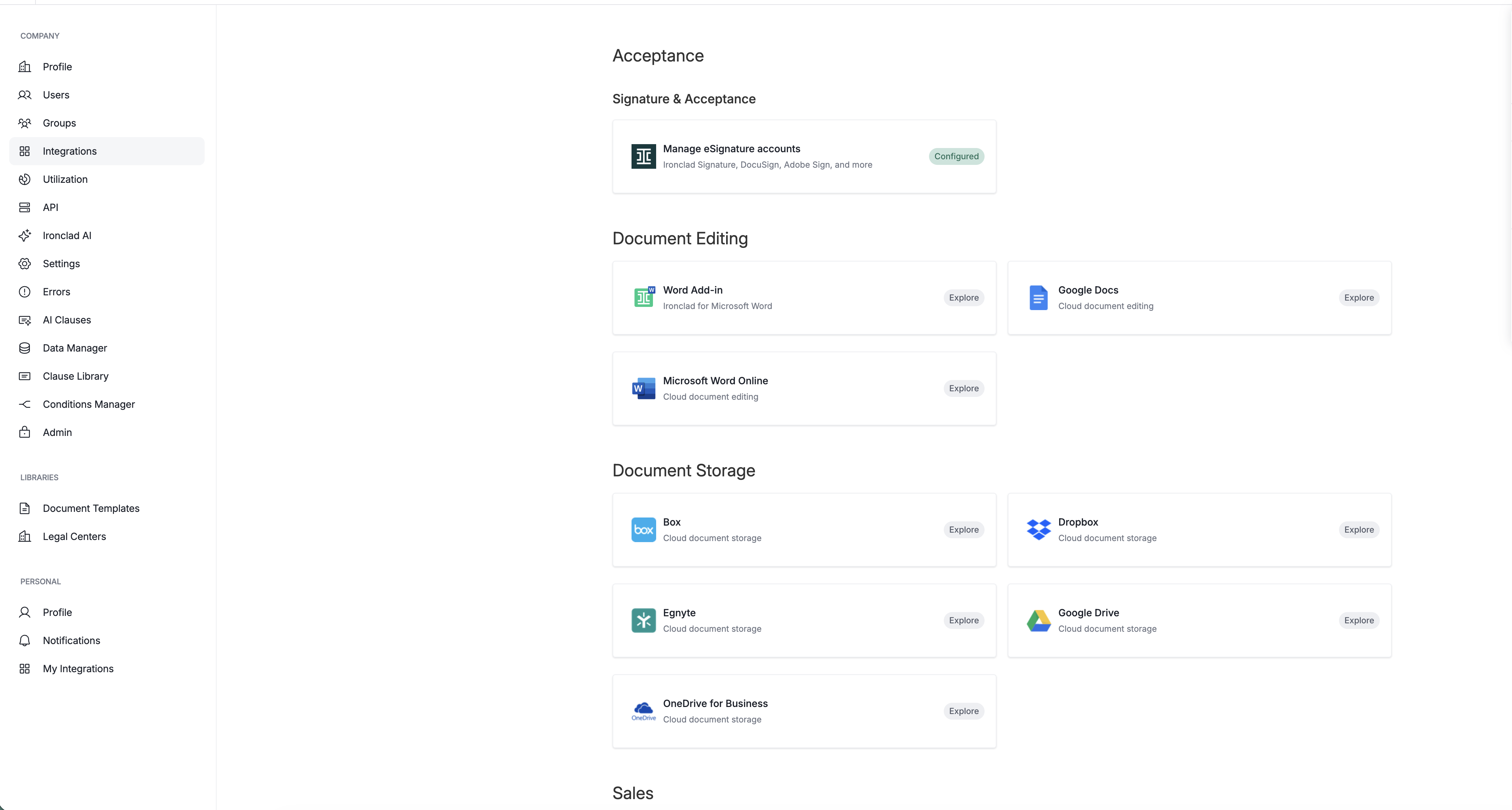
Create a new custom signature provider account by clicking New Account.
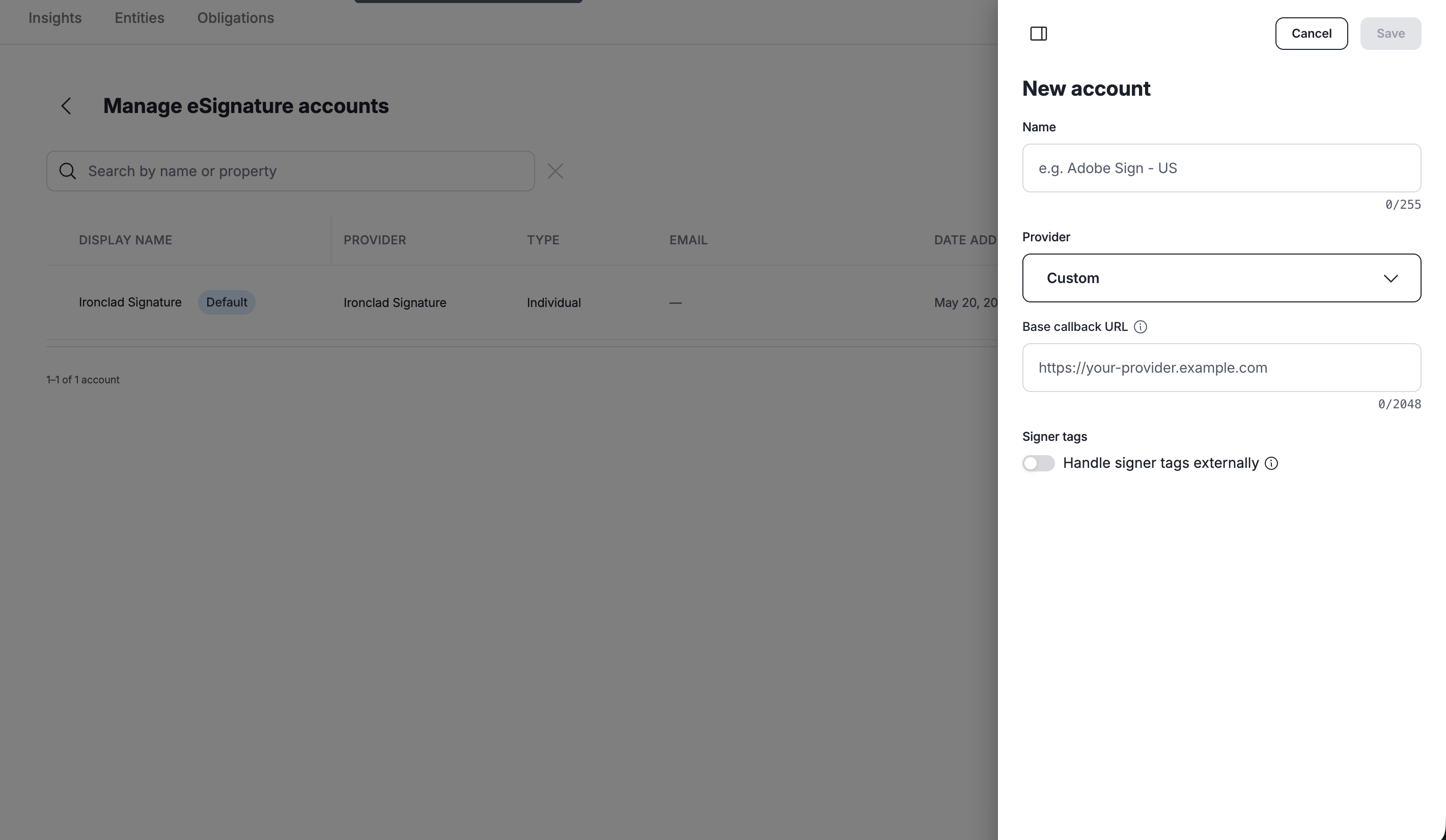
Give the account a display name, then configure two further settings.
Base Callback URL
Referenced as endpointUrl throughout this guide. This is the base URL from which the endpoints in Middleware Endpoints are implemented.
The URL is validated on save. It must:
- parse as an absolute URL
- use
https: - resolve by DNS and pass SSRF host validation (i.e. no private or internal ranges)
- be at most 2048 characters.
Trailing slashes are stripped when the URL is used to build outbound calls, so https://mw.example.com/byosp and https://mw.example.com/byosp/ behave identically.
Handle Signer Tags Externally
This setting indicates whether your external service handles tag placement.
When enabled, Ironclad does not require an admin to place signature tags during the Sign step before sending the signature request. Admins can still choose to place tags, and any tags they place are passed along in the initiation request.
Create a Client App
Once the custom signature provider account has been created, create a client app on it.
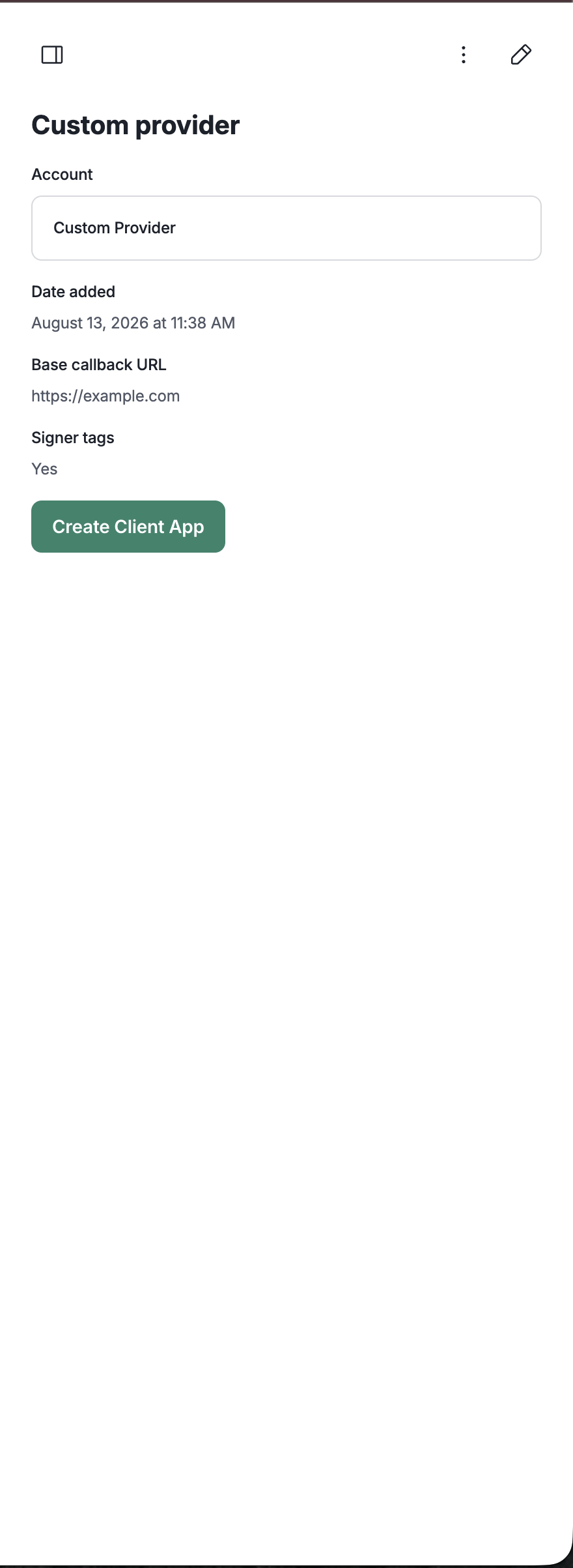
This provides the client ID and secret your middleware needs in order to send status updates back to Ironclad. See Status Updates for how the token is used.
Save the Client SecretThe client secret is shown only once. If it is lost, you will need to reset the secret, which then has to be updated in any existing integrations.
Transport Security
- TLS is mandatory.
endpointUrlmust be HTTPS. - mTLS is optional. If a per-company client certificate is provisioned in Ironclad, outbound calls present that client certificate. Provision this out-of-band with your Ironclad contact. If none is configured, calls proceed over standard TLS.
- Every request is signed, independently of whether mTLS is configured. We recommend verifying the signature on every request. See Request Signing.
- No redirects. Ironclad does not follow
3xxresponses. Your middleware must serve requests directly atendpointUrlrather than redirecting to another host. - SSRF re-validation. In addition to the host validation performed at registration, Ironclad re-validates the endpoint's resolved IP at connection time as a defense against DNS rebinding between registration and the call.
Updated 2 months ago